 What's My Set
An Accessible Workout Timer for iPhone, iPad & Apple Watch
Search for an accessible strength-training timer and you'll find plenty of described workout content for blind and low-vision athletes, but very few tools: timers and counters that genuinely work with VoiceOver, respect large text sizes, and communicate through sound and touch instead of assuming you're watching the screen.
What's My Set, a set counter with rest timers and Tabata/EMOM interval timers, was built with accessibility as a priority from day one, not as a checkbox after launch.
What "accessible by design" means here
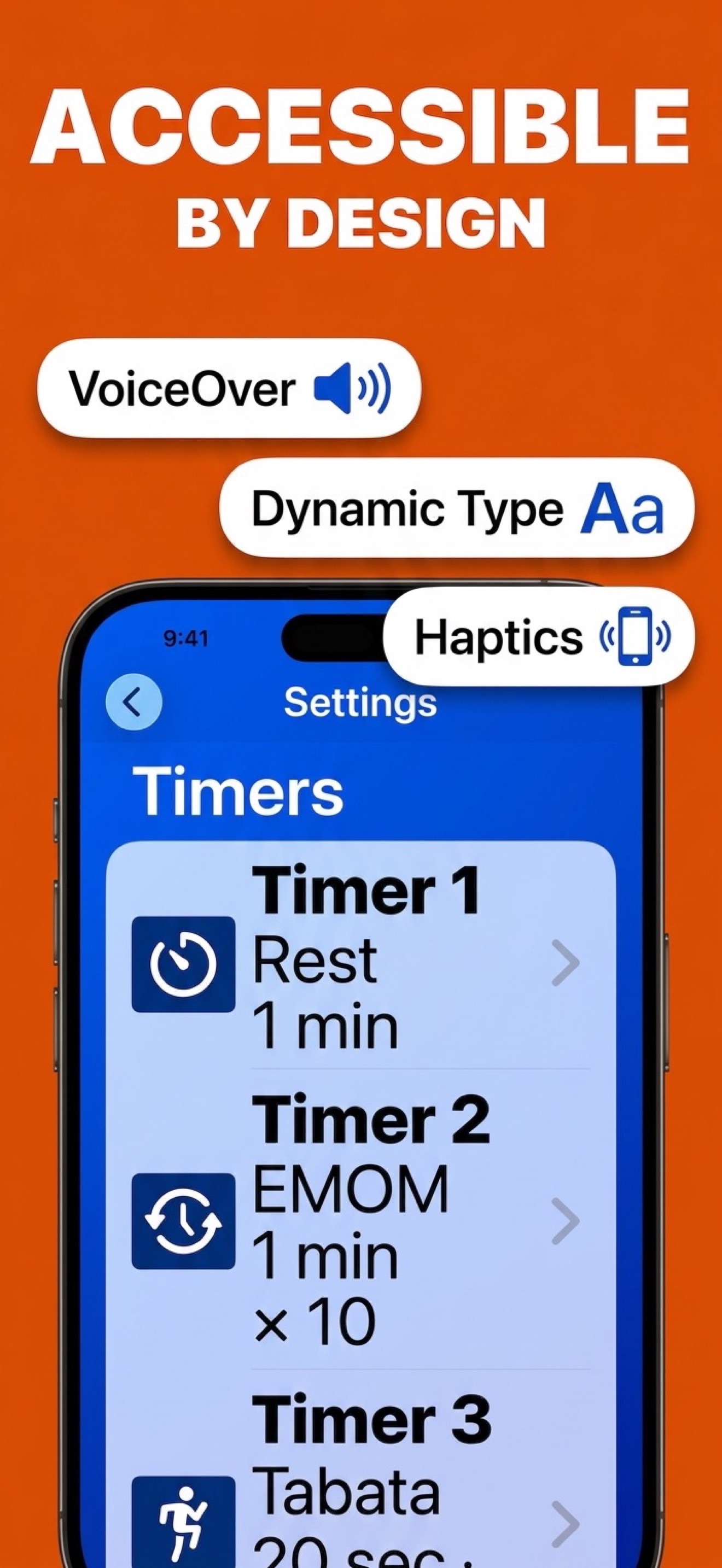
- VoiceOver, fully supported. Intelligent grouping, meaningful labels, hints, and announcements throughout the app, not just readable buttons.
- Voice Control. Run the entire app hands-free with your voice, useful mid-set for everyone.
- Audio cues for everything that matters. "Get ready" announcements, spoken set and exercise numbers, and warning beeps mean you never need to look at the screen to know where you are. Every cue can be individually disabled.
- Haptic feedback. Your iPhone or Apple Watch taps you when your set is about to begin, whether you're in a loud gym, a quiet home, or wearing headphones.
- Dynamic Type at every size. The largest accessibility text sizes work even in the smallest windows, and the set/exercise counters go beyond the largest Dynamic Type sizes with the Large Counters option.
- Differentiate Without Color. Timer phases and watch counters can be distinguished by symbols and shape, not just hue.
- Reduce Transparency & Reduce Motion respected. Higher-contrast materials and calmer transitions when you ask for them.
A workout with sound and touch, not sight
- Start your workout. VoiceOver reads the set and exercise counters like any first-class UI.
- Tap (or speak) a rest timer after each set.
- Listen and feel. The app announces when to get ready, speaks your next set number, and taps your wrist as work begins. The set count advances automatically.
- Intervals too. Tabata work/rest phases and EMOM rounds (part of the Pro upgrade) are announced with distinct audio cues. No screen-watching required. (New to those formats? See the Tabata guide and EMOM guide.)
Private by default
Optional workout logging (a Pro feature) goes straight to Apple Health and stays there. Here's how that works.
Try a workout timer that speaks your language
Download What's My Set free on iPhone, iPad, and Apple Watch. Feedback is always welcome.
 Free set counting · VoiceOver & Voice Control ready