 What's My Set
What Is an EMOM Workout? A Beginner's Guide
EMOM stands for Every Minute On the Minute. At the top of each minute you perform a set amount of work (say, 10 kettlebell swings), then rest for whatever remains of that minute. When the next minute starts, so do you. Repeat for 10, 15, or 20 minutes.
Why lifters and CrossFitters love EMOM
- Built-in pacing. The clock decides when you work, so you can't slack off, and you can't overdo your rest either.
- Automatic reward for effort. Finish your reps faster, earn more rest. Slow down, and the format punishes you immediately.
- Time efficiency. A 15-minute EMOM delivers a precise, repeatable dose of work, perfect when the training window is short.
- Scales to anyone. Beginners drop the reps per minute; advanced athletes raise them or shorten the interval.
Example EMOM workouts
| Level | Workout |
|---|---|
| Beginner | 10 minutes: odd minutes 8 goblet squats, even minutes 8 push-ups |
| Intermediate | 15 minutes: 12 kettlebell swings every minute |
| Advanced | 20 minutes: rotate 5 pull-ups / 10 push-ups / 15 air squats / 10 burpees |
Intervals don't have to be exactly a minute. 90-second or 2-minute "EMOMs" are common for bigger movements like heavy squats or rowing intervals.
The catch: someone has to watch the clock
EMOM lives and dies by the top of the minute. Staring at a sweep hand between burpees is miserable, and an iPhone stopwatch won't tap you on the shoulder. You need a timer that announces each round.
Running an EMOM with What's My Set
What's My Set includes a dedicated EMOM timer (part of the Pro upgrade) alongside its set counter and rest timers:
- Choose EMOM and set your interval length and total duration.
- Start the timer and put the device down (or wear it). The app runs on iPhone, iPad, and standalone on Apple Watch.
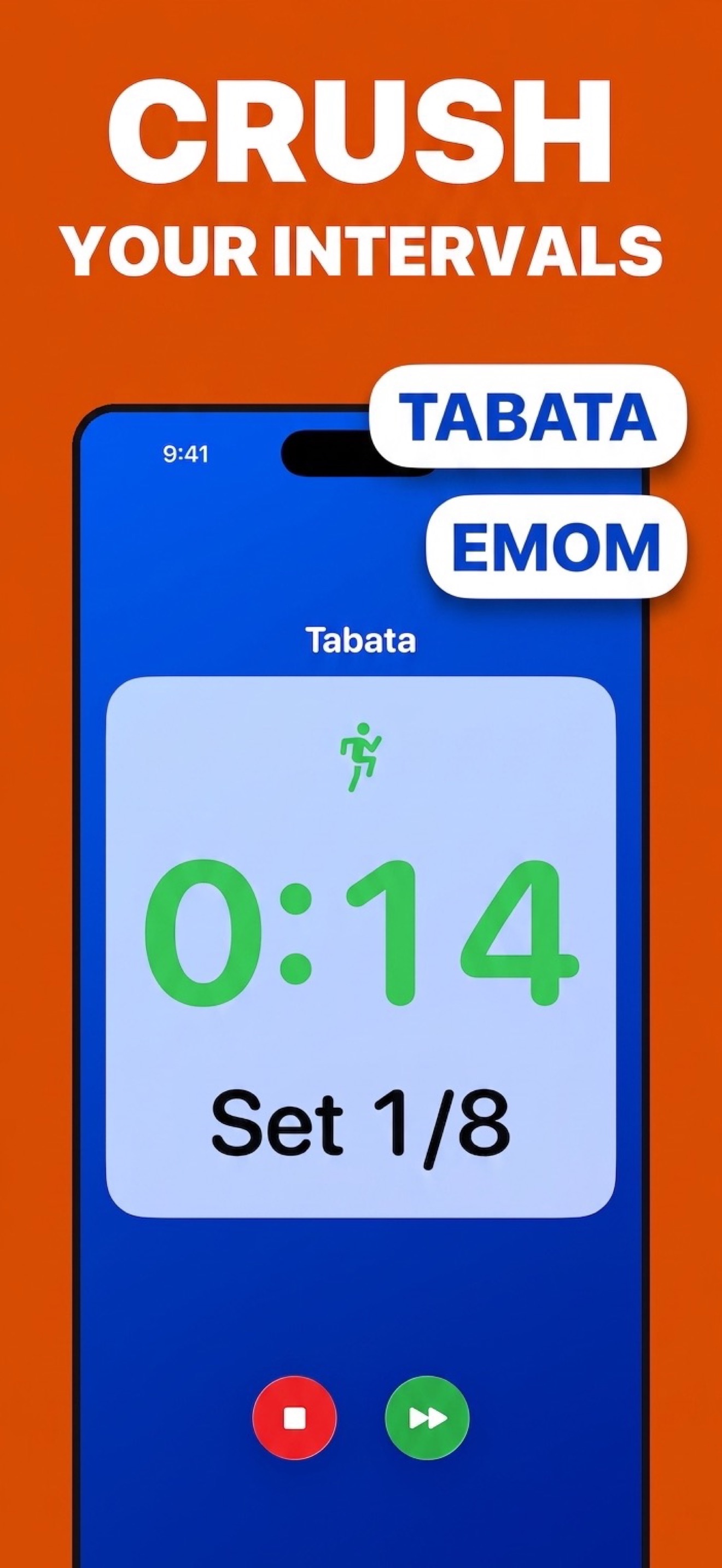
- Work when it tells you to. Audio cues mark every new minute, and the display shows the current round and time remaining, in type big enough to read from the floor, mid-plank.
- Log it. Optionally save the session to Apple Health with duration and heart rate (how that works).
Prefer 20 seconds on, 10 seconds off? That's a different protocol. Read Tabata explained: the 20/10 protocol.
Let the app call the minutes
Download What's My Set free for the set counter and rest timer; the dedicated EMOM timer with audio cues is part of the Pro upgrade, on iPhone, iPad, and Apple Watch.
 Free set counting · EMOM timer with Pro