 What's My Set
How Long Should You Rest Between Sets?
Ask five people and you'll get five answers, but the rule of thumb is simple: rest longer for hard efforts, shorter for lighter work. Rest too little and your next set suffers; rest too long and your workout balloons past the hour mark.
The short answer
| What you're doing | Typical rest |
|---|---|
| Heavy compound lifts (squats, deadlifts, presses) | 2–5 minutes |
| Lighter accessory work | 60–90 seconds |
| Circuits & conditioning | 30–60 seconds |
If your next set feels strong, you rested long enough. The numbers above are just where most people land. And the weight room isn't the only place sets live: bodyweight circuits, physical therapy exercises, and even yoga flows run on the same work-rest rhythm, with rest set by whatever your practice calls for.
Knowing the number is easy. Timing it is the hard part.
If you start looking at your iPhone between sets then suddenly you can have no idea if it's been 90 seconds or four minutes that has passed. Setting an iPhone timer for every set means starting and dismissing so many timers per workout.
How to time your rest with What's My Set
What's My Set is a set counter with rest timers built for exactly this problem:
- Set up your rest timers. Give each its own duration, say 90 seconds for accessories and 3 minutes for heavy compounds, all within reach on the main screen. Pro adds multiple configurable timers (four on iPhone and iPad, two on Apple Watch); the free version includes a one-tap 60-second timer.
- Finish your set, tap once. The countdown starts immediately on your iPhone, iPad, or Apple Watch.
- Get called back. Audio cues and haptics tell you when it's time to exercise again.
- The set counts itself. When the timer completes, your set counter advances automatically. No mental math, no forgetting.
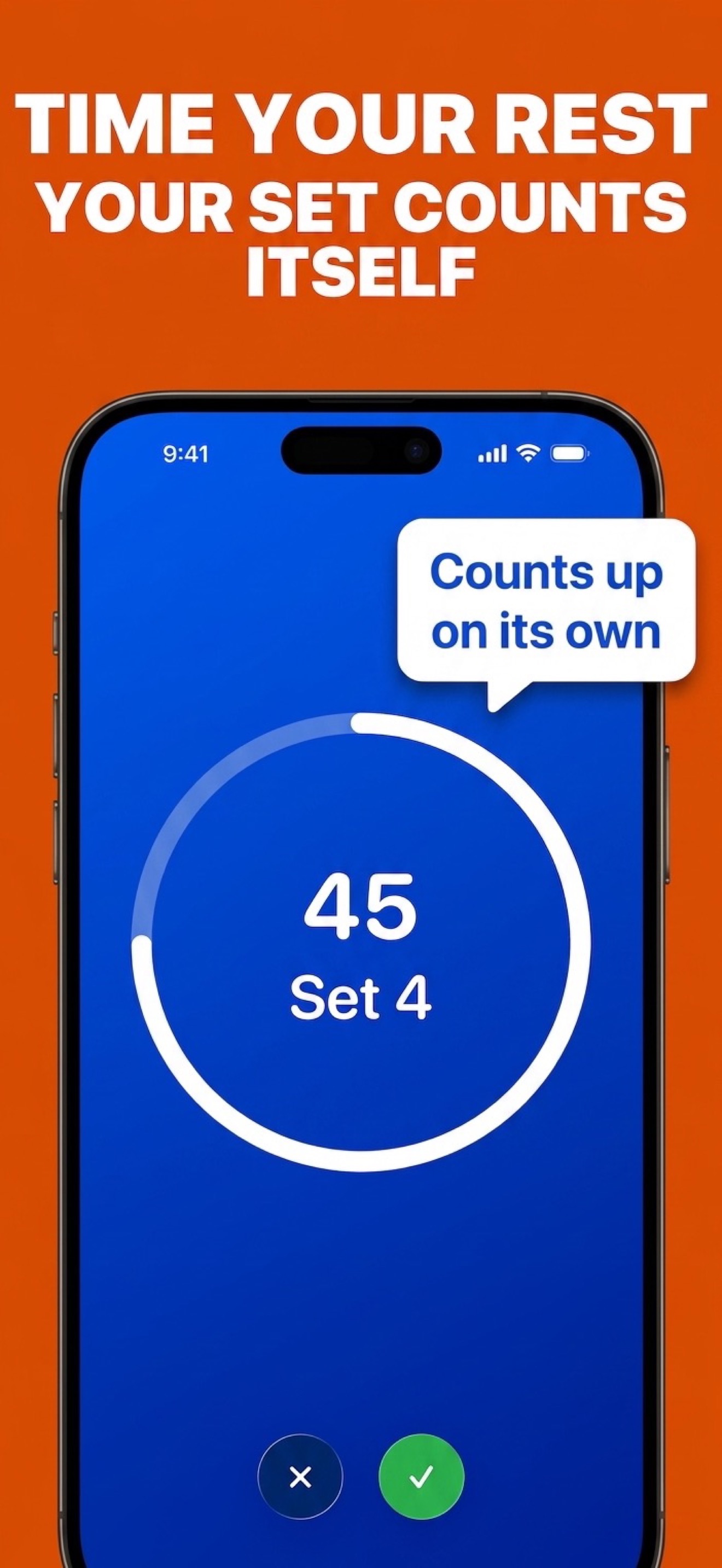
Prefer to train phone-free? The same rest timers run standalone on Apple Watch. See the guide to using a rest timer on Apple Watch.
Stop guessing your rest periods
Download What's My Set free and get a one-tap rest timer that counts your sets for you, on iPhone, iPad, and Apple Watch. Pro adds configurable timers so your short and long rests are each one tap away.
 Free set counting · Configurable timers with Pro